How to program an industrial robot?
Robot Programming is not at all as difficult as most companies think. With KUKA, robot programming is so effortless that anyone can do it.
Automation and robotics are no unknown concepts to any manufacturing company. An increasing number of companies realize that they will have to automate their production if they want to keep up with the rapidly developing market. Nevertheless, at KUKA we recognize that there are still many entrepreneurs who are discouraged by some preconceptions of coding. It appears that many entrepreneurs believe that it is very complex to learn how to program a robotic machine or they think they must be a high-level programmer or roboticist. Such complexity is often a major barrier to any form of robotization or automation. At KUKA we know that in reality it is often much easier to program industrial robots than most entrepreneurs expect. In this article we will briefly list which products from the KUKA portfolio make robotic programming a piece of cake.
Almost every KUKA robot runs on an operating system such as KSS (= KUKA System Software) or the new operating system iiQKA.OS. The powerful and intuitive new operating system iiQKA.OS enables rapid development and expansion to respond immediately to challenges in the market, but at the same time ensures intuitive and reliable operation - an important requirement for both partners and end users. With iiQKA.smart_programming, KUKA's new, simple and intuitive programming method, both experts and beginners can achieve their automation goals and program their robot faster.
The KSS operating system is characterized by a user-friendly structure and is based on Windows. It contains all the basic functions needed to operate a robot. Each function can be extended by additional software packages, allowing you to fully customize and expand the system to meet your needs, performance and application-specific requirements. To make programming a robot as user-friendly as possible, KSS also has inline forms for fast and error-free programming of tasks and movements. They are accessible through menus on the smartPAD and are available by default. They can be thought of as programming templates that KUKA provides to help users program their own robot.
The KUKA smartPAD - Simplifies complex tasks
Each KUKA robot is supplied with the "KUKA smartPAD" teach pendant (a device for remote controlling industrial robots). The KUKA smartPAD is designed to make even complex operating tasks easy to program. So you don't have to be an expert to make a robot perform. To get started,the KUKA smartPAD needs to be set in T1 mode. To make the robot move, the user can choose to use the 6D mouse or the 6 jog keys that each operate a different robot axis. You can easily make the robot move from one point to another this way.

smartPAD pro - one operating device for all
For example, the new KUKA smartPAD pro is used to operate all products running the new iiQKA.OS operating system. One operating device for all and that can also be collaborative robots such as the LBR iisy. It is operated with the iiQKA.OS operating system, for example. This is popular in the packaging and electronics industries. And as a cobot, it is an ideal support for your employees.

KUKA.WorkVisual - avoid mistakes from the beginning
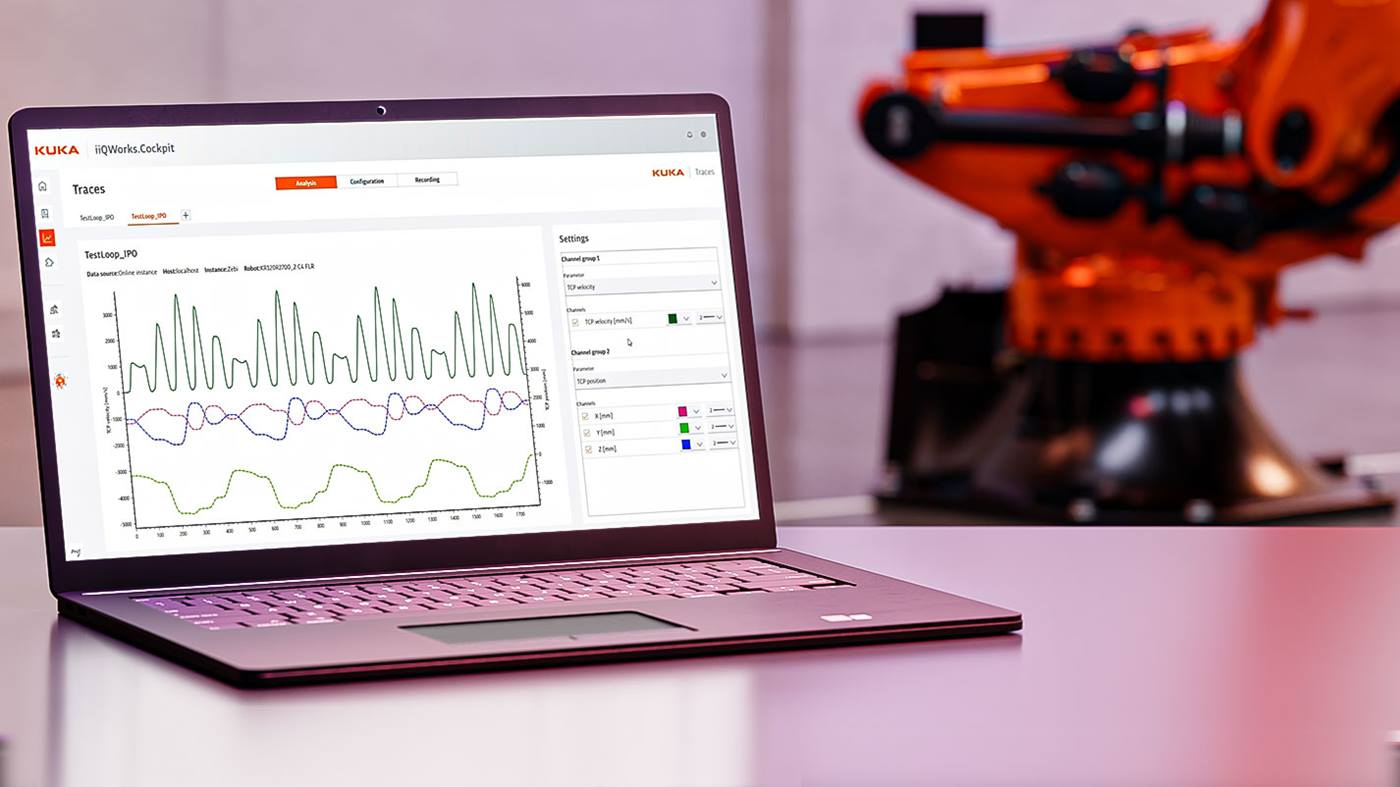
Programming a robot using the KUKA smartPAD is the first step. The next step is coding an industrial robot using KUKA.WorkVisual. With this software, you are going to move the robot via a programming code. The algorithm in KUKA.WorkVisual is already running and being checked in the background while the functions are being executed. Thus, errors in the code are detected and avoided from the very beginning. Projects run according to a certain logic and the entire code is built consistently. Interactions are made visible through visual tools and are therefore intuitive and easy to operate. The editor function helps you to write your code. Moreover, all this can be done without connecting directly to the robotic arm. This allows you to make the necessary preparations (like Offline Programming) even before the robot is delivered to the destined production hall and to change programs without affecting the robot during production.

What software solutions are useful for robot programming?
With the KUKA smartPAD and KUKA.WorkVisual, you can program any KUKA robot. To make it even easier for entrepreneurs, KUKA offers a broad portfolio of other products that are of significant assistance. Some examples include:
Simulation software KUKA.Sim: efficient offline programming of KUKA industrial robots
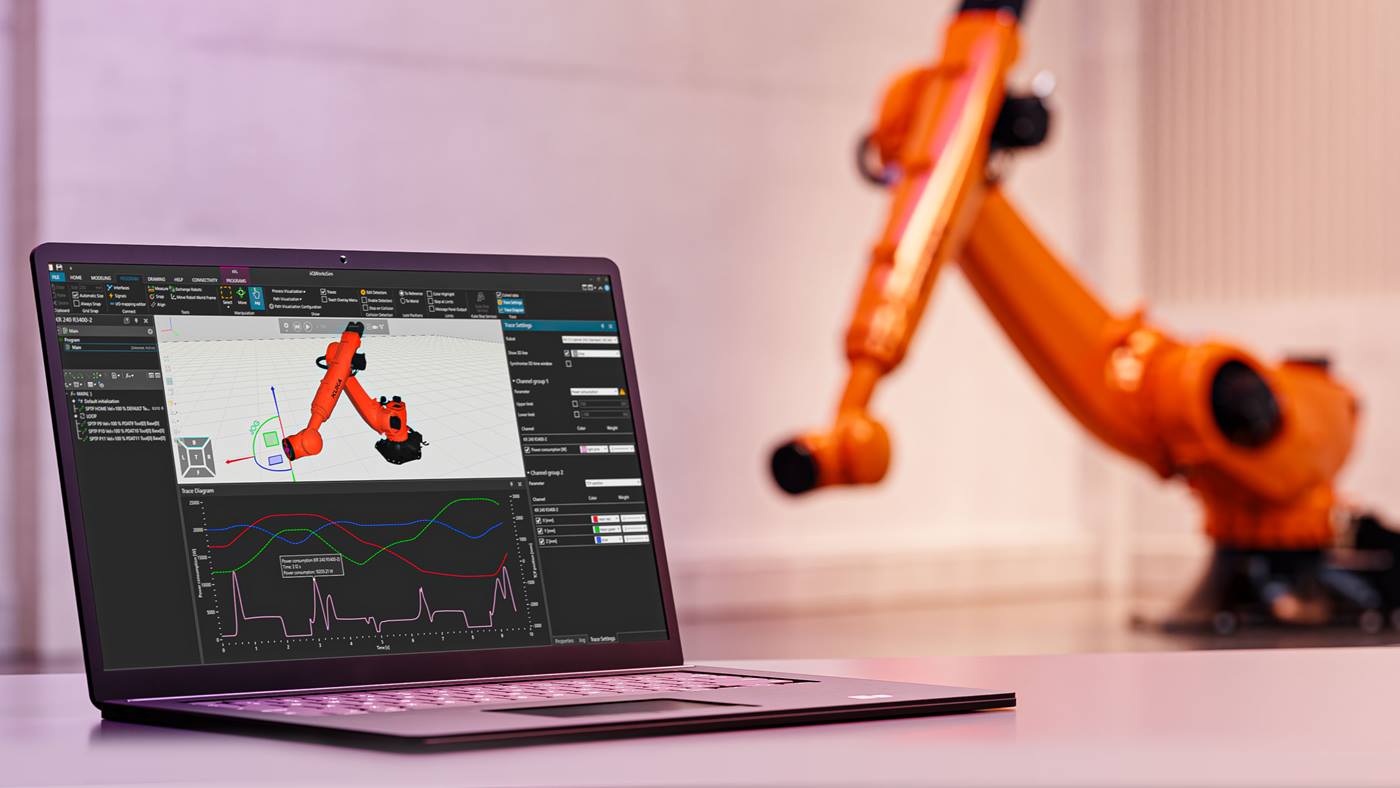
KUKA.Sim is a software package that allows users to simulate their entire robot system offline and virtual commissioning even before they purchase the robot. This allows companies to know in advance exactly how their robotic system will run, at what speeds and what output rate. Each movement that you would program on the production floor can now be simulated from behind your computer. This means that you can determine your layout in advance, detect possible problems and solve them immediately. Afterwards, you can transfer the simulation to your KUKA robot, check the movements and fine-tune them if necessary. No more manual programming work is required on-site. Using this simulator software you save yourself a lot of time and headaches.

KUKA.PLC MxAutomation - compatible with many manufacturers
With the software KUKA.PLC mxAutomation it is possible for external controllers with an embedded PLC to move KUKA robots based on basic motion instructions. The user therefore no longer needs any knowledge of robotic programming. With KUKA.PLC mxAutomation you can move the robot via the PLC programming environment. The programming interface thus makes programming and integrating KUKA robotics into your machine network easy.


Do you need help with application and robot programming?
No problem. We support you in programming applications and robots without interrupting production, in preparing product changes and commissioning offline, or in reacting quickly and flexibly to short-term changes in the production process. Depending on your needs, our experts will support you both in programming complex tasks and in complete programming of entire plants.
KUKA.AppTech - easily shorten commissioning time
The KUKA.AppTech programming concept enables efficient and, above all, simpler robot programming of the industrial robots. It even shortens the time required for commissioning. Thanks to the modular structure of the library, the software is suitable not only for beginners, but also for experienced programmers. As a rule, a robot only implements what they have previously taught it via software command. This time can be saved with KUKA.AppTech. It is based on a modular principle. This means that it consists of predefined structures and program sequences. If one falls back on this, no in-depth programming knowledge is required. In this way, even beginners can get a lean start in the field of robotics and automation. Another advantage is the switch between online programming and offline programming. This allows employees to create a so-called digital twin and easily generate and test motion sequences and then transfer these in turn to their own robot.

KUKA ready2_pilot? - Teaching industrial robots
With ready2_pilot from KUKA, you do not program a robot but teach it, or in other words guide it manually by hands. The control of KUKA ready2_pilot is done via a 6D mouse. This is comparable to the 6D mouse on the KUKA smartPAD. You install it on your KUKA robot and you can start teaching immediately. It couldn't be easier! Incorrect movements can be avoided by simply deactivating unwanted directions. In this way you can't make a wrong move by suddenly sliding away while teaching your robot. Ready2_pilot is thus extremely easy-to-use and immediately ready to perform.

Robot programming is child's play for the next generation
With the Education Robot System from OrangeApps, schoolchildren and students can also easily learn how to program a robot without having to go to an industrial hall. The software here consists of the KUKA.OfficeLite and an app from OrangeApps. This gives the youngsters an insight into the electronics and mechanics of a 6-axis robot.